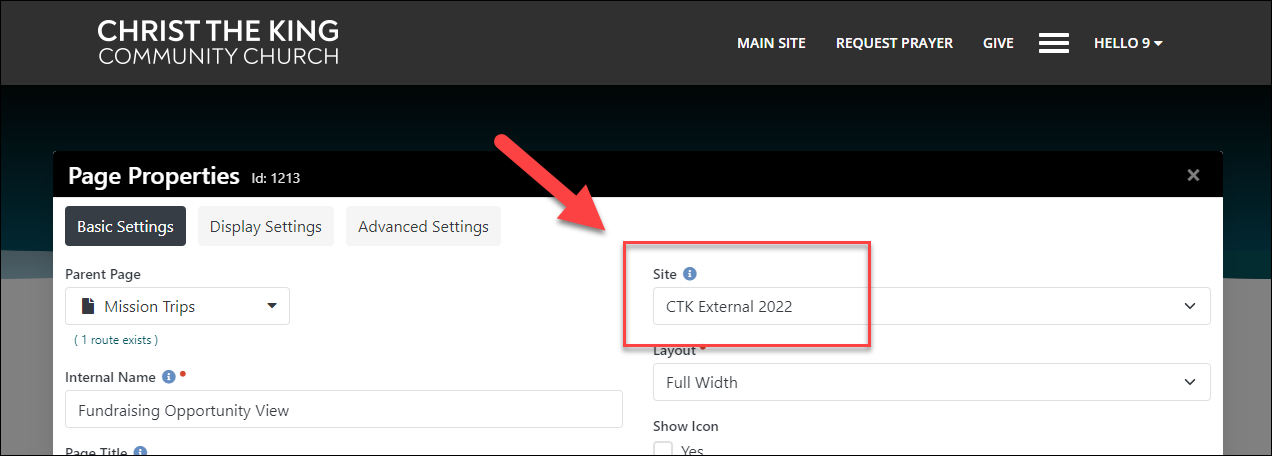
That page is on the "CTK External 2022" site:
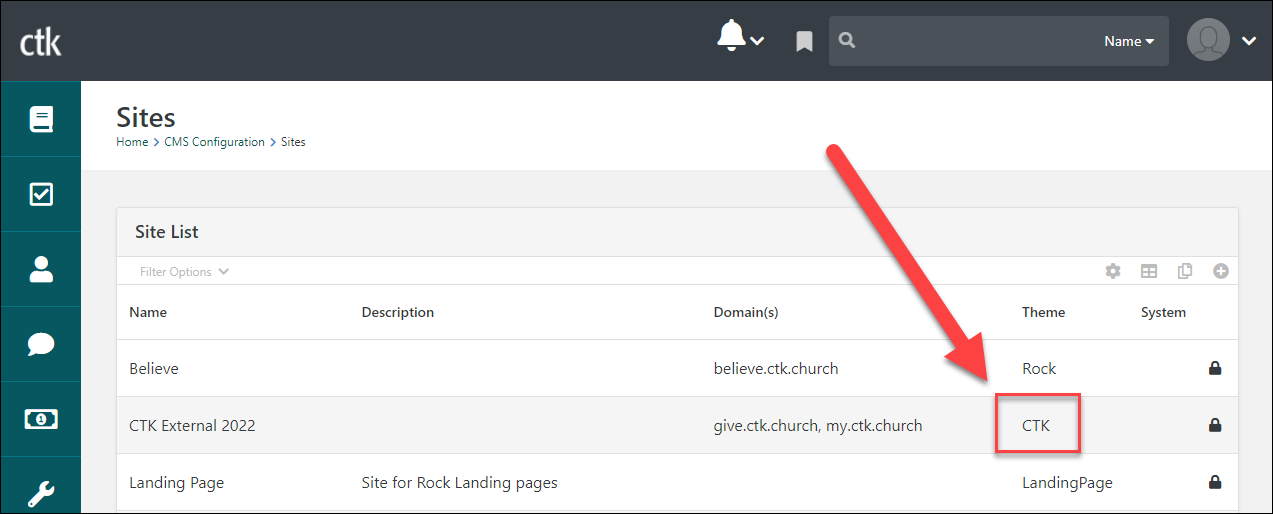
The "CTK External 2022" site is using the "CTK" theme:
The block setting for the Lava file is:
{% include '~~/Assets/Lava/FundraisingOpportunitySummary.lava' %}
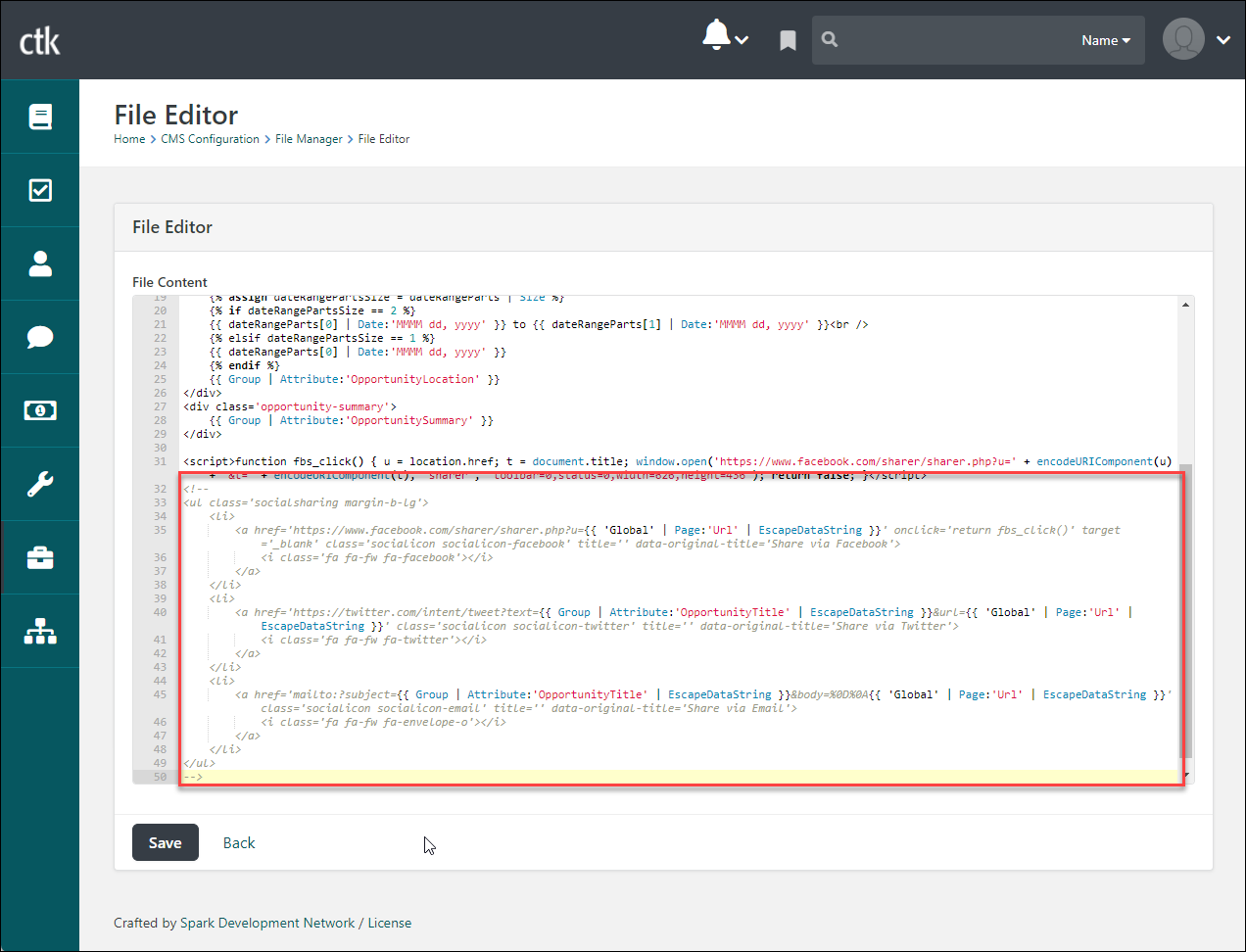
The "~~" characters are syntax for current theme folder, so you have to update the Lava in the CTK theme's folder. I commented out that code in that folder's Lava file and the icons no longer appear: