Originally posted by Unknown
To fix this issue we need to get the public IP address out of it's failed state. To do that, we need to use Azure Resource Explorer. Here are the steps:
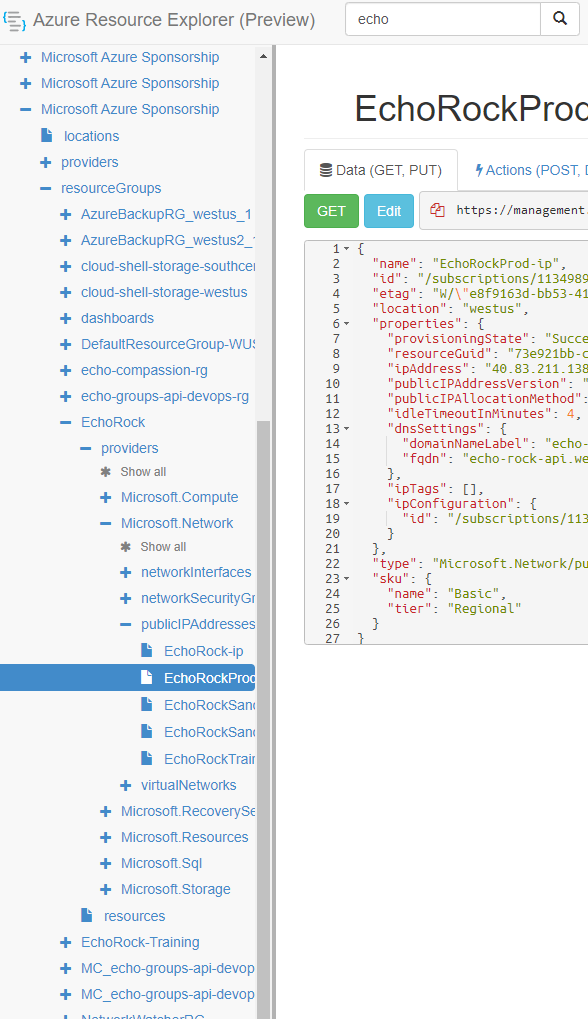
Step 1: Find the resource with the failed state in the left navigation pane:
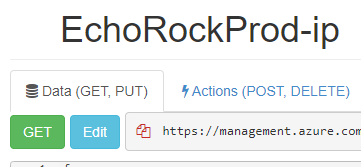
Step 2: Next enable read/write mode at the top:

Step 3: Click the edit button:
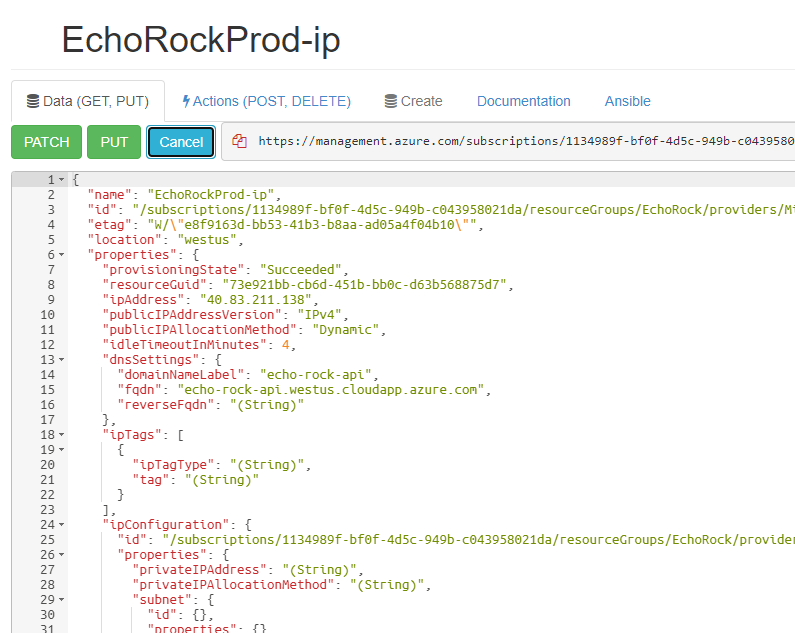
Step 4: Click the PUT button. NOTE: This will reprovision the resource so be mindful of the consequences of doing this. I did this to fix a failed public IP address and it successfully reprovisioned it while keeping the same IP address. I'm not sure if this will go smoothly with all types of resources. You can always reach out to me if you are unsure.
Further reading:
https://stackoverflow.com/questions/58241481/azure-failed-to-restart-virtual-machine-nic-is-not-in-succeeded-state
