ON THE CLIENT'S ROCK SITE
1.) In the client's Internal rock site, navigate to CMS > Block Type and filter by the name of the plugin.
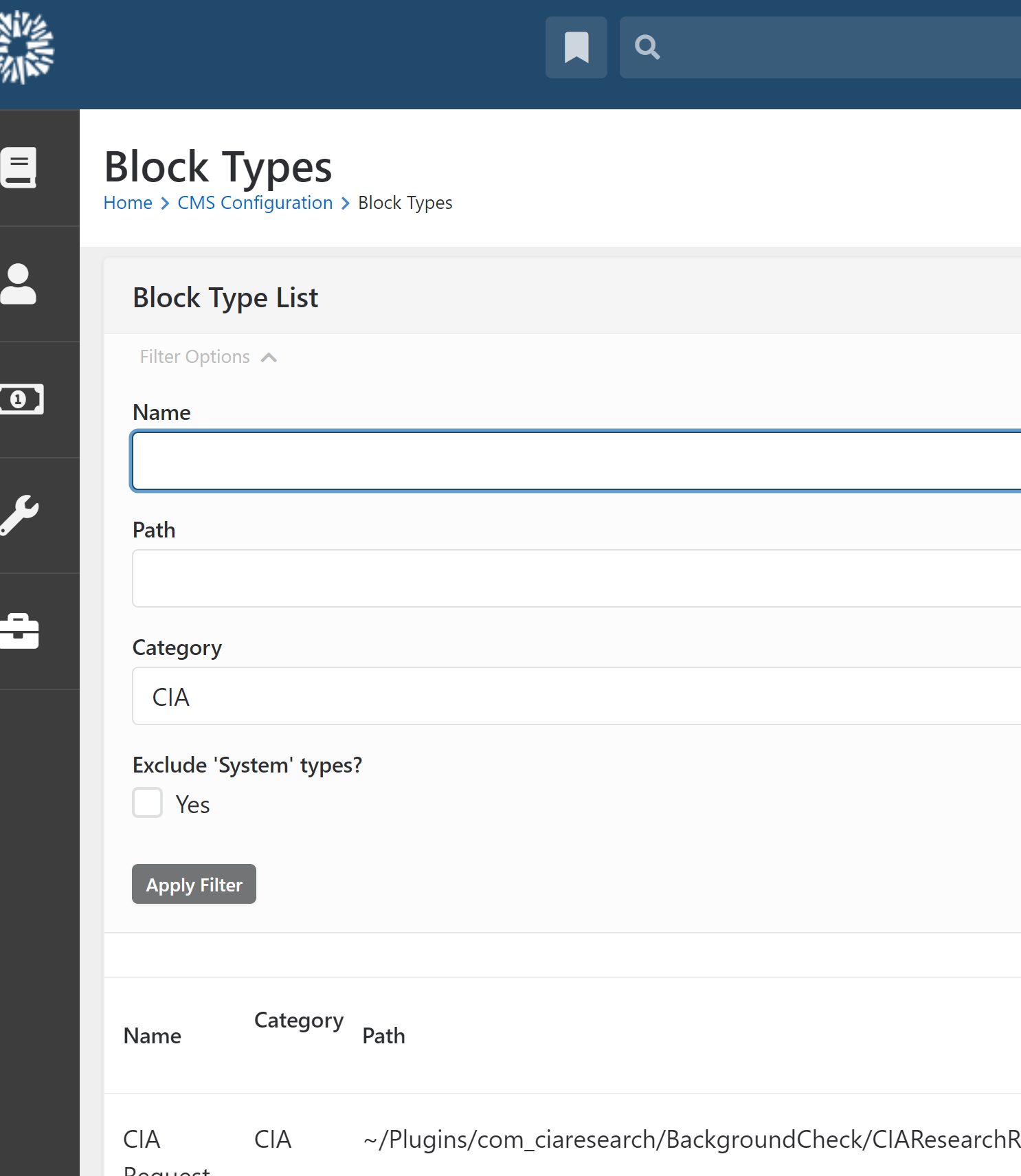
2.) Select each block type and make a list of the pages that use these blocks.
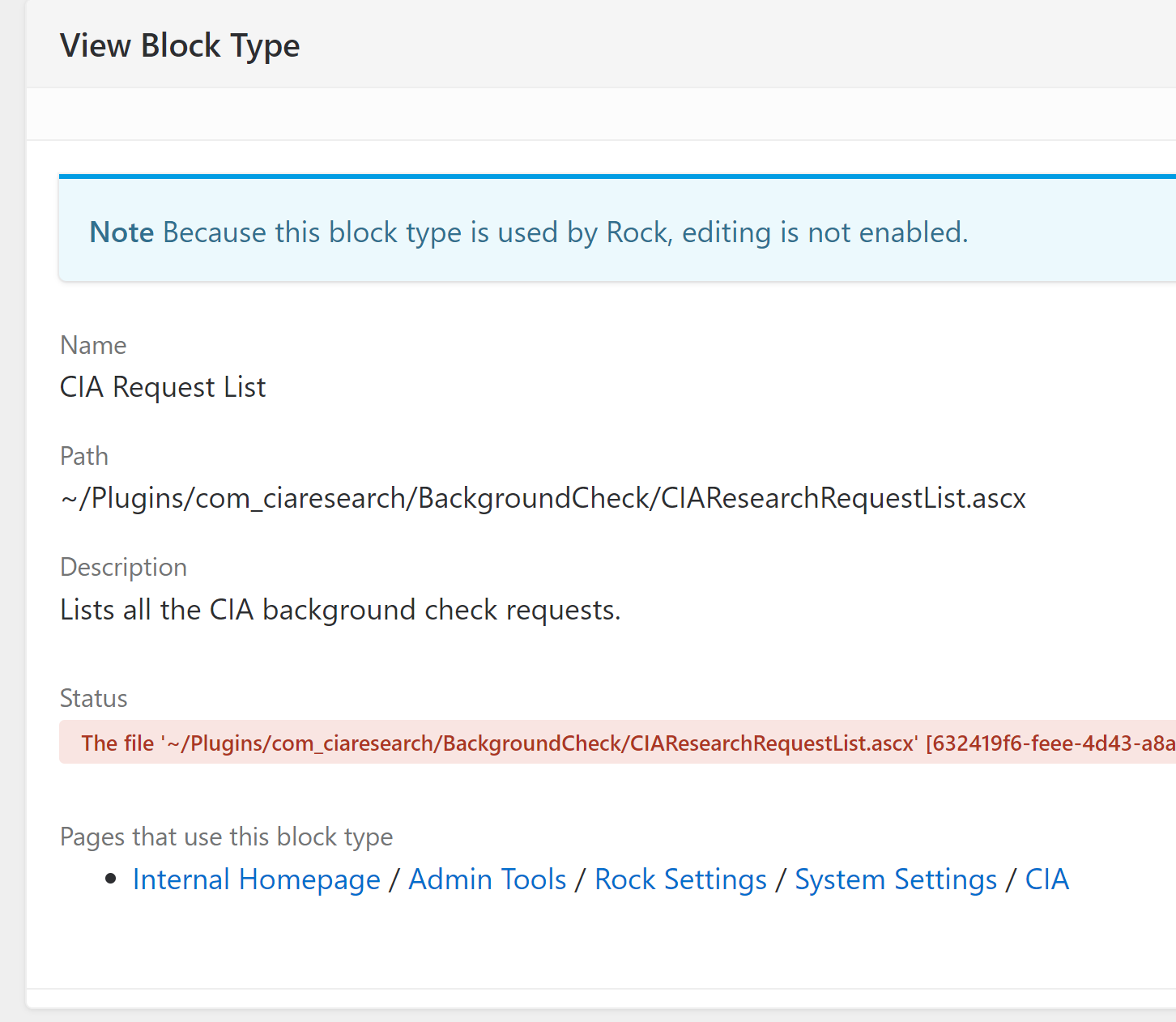
3.) Remove all pages ( or, if not possible, just the blocks ) that reference the plugin.
ON THE SERVER
1.) Remote into the server and navigate to inetpub. Add and new folder and name it after the plugin that is to be removed.
2.) Navigate to wwwroot > App Data > RockShop. Select the folder for the Plugin that is to be removed. Drag it over to the folder in inetpub that you created in step 1. This is where you will keep the plugin once it is removed. (I did things out of order, so you can see my CIAResearch folder has another folder called 'BackgroundCheck'. )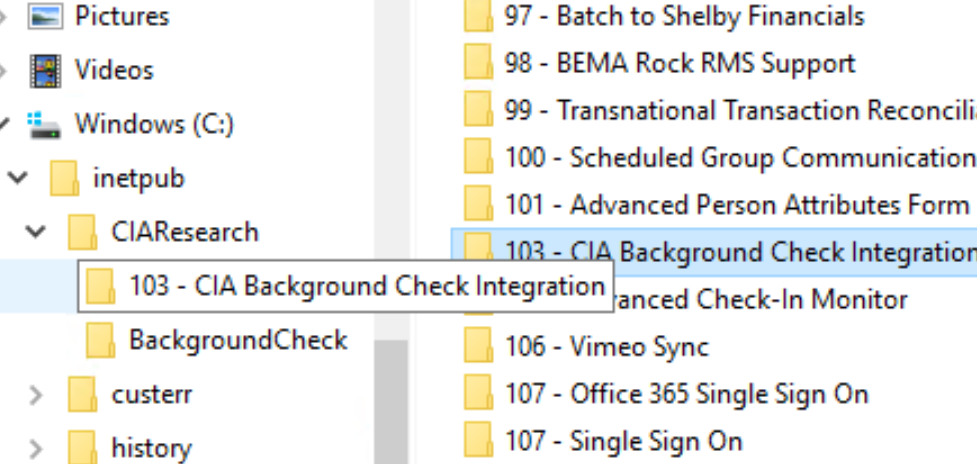
3.) Open the folder you just dragged over. Find the latest plugin file (722 - 1.5 ) and copy to desktop.
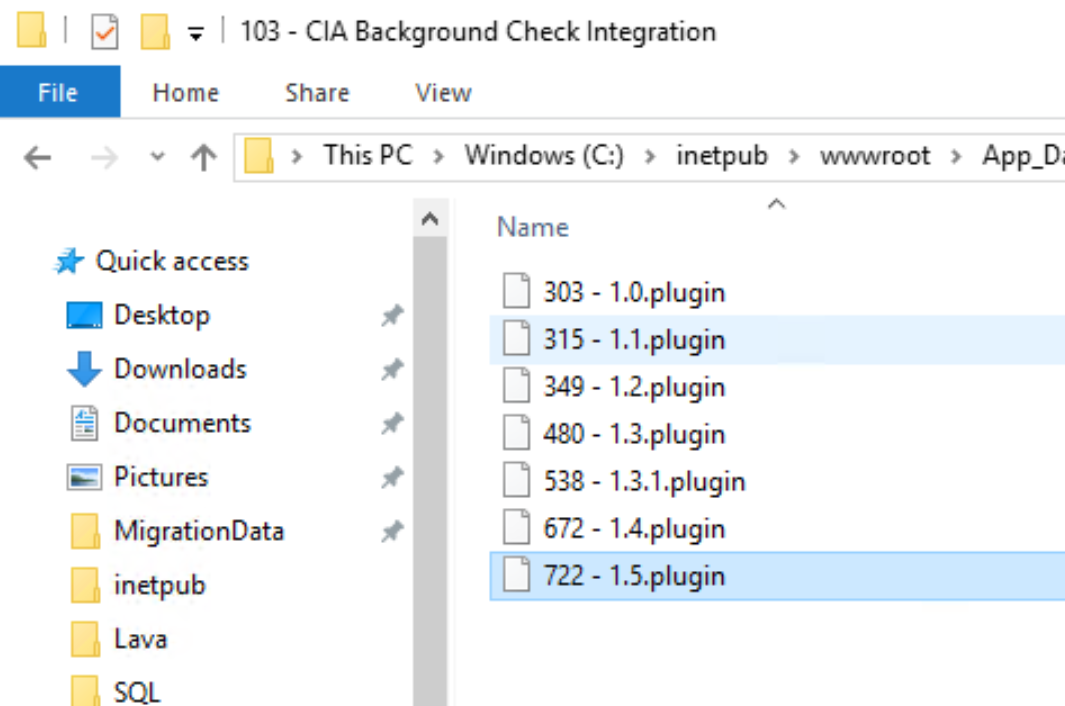
4.) Right click and rename the .plugin file. Change the word 'plugin' to 'zip', then save. When the computer warns you that the file may become unusable, ignore it. Its just trying to intimidate you.
5.) Double click on the now zipped file and navigate to content > plugin. You will be able to see the file structure of the plugin. You will use the plugin and bin folders as a map to see what you should drag over from 'Plugin' and the 'bin'.
6.) In the wwwroot folder, navigate to Plugins and select the plugin you are removing. Select that specific plugin, and drag it to the new folder you made in inetpub, back in the first step. ( You can see the internal folders that I already did in 'CIAResearch' - Sometimes it won't let you drag the top level folder over. If not, just open it and drag the child folders over instead.)
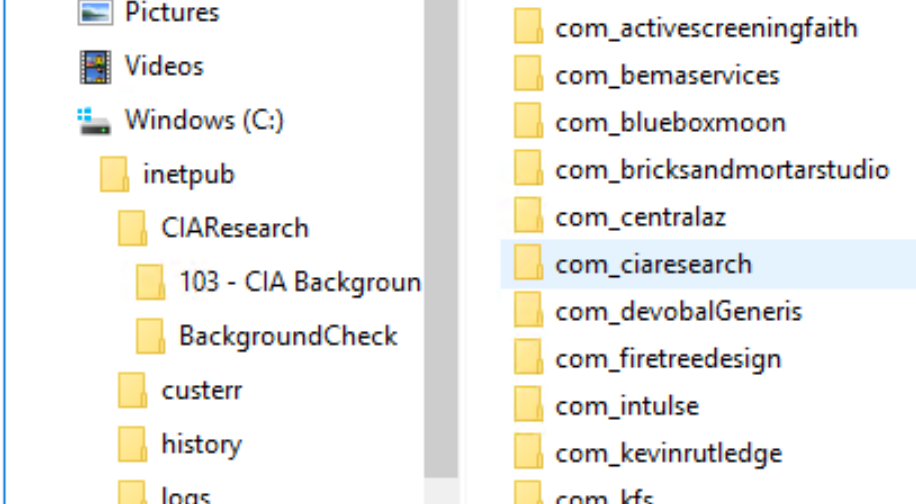
7.) Double click on the now zipped file and navigate to content > bin. These are the dll files you will need to remove. 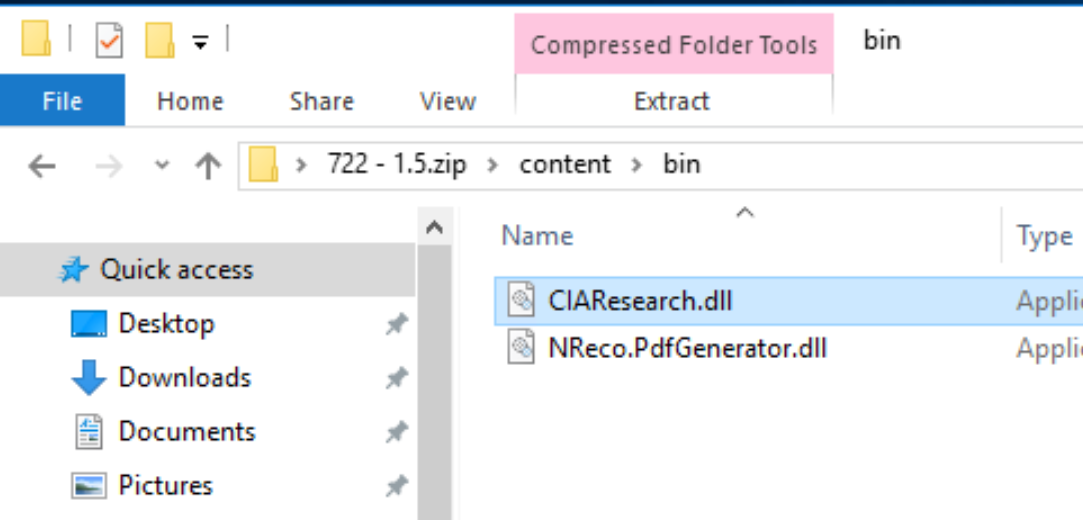
8.) Navigate to wwwroot > bin and find the corresponding dlls. You can drag them over as well now. THIS WILL RESTART ROCK.
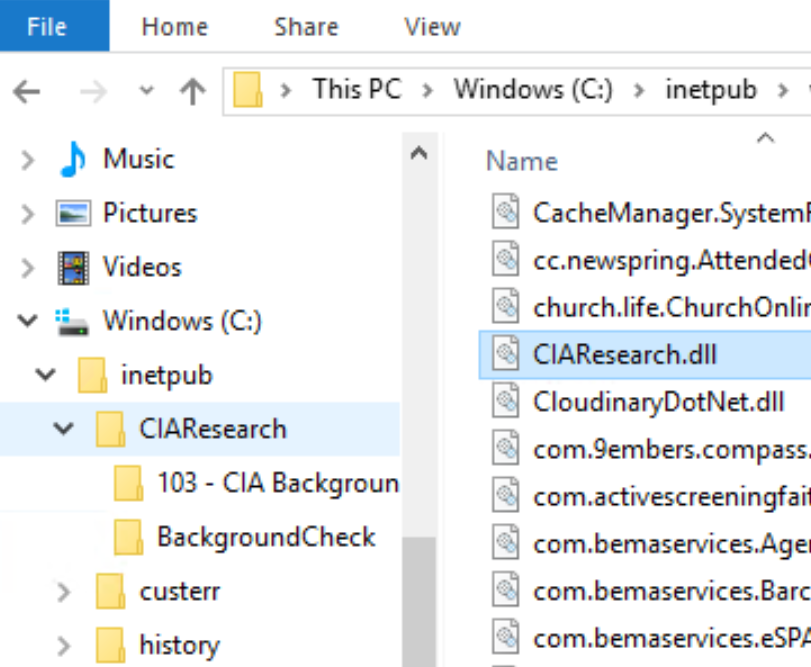
9.) Now go back to Add_Data and select the 'InstalledStorePackages' file. Save a copy in your folder from step 1.
10.) Go back to App_Data, right click on the 'InstalledStorePackages' file and open it with Notepadd++.
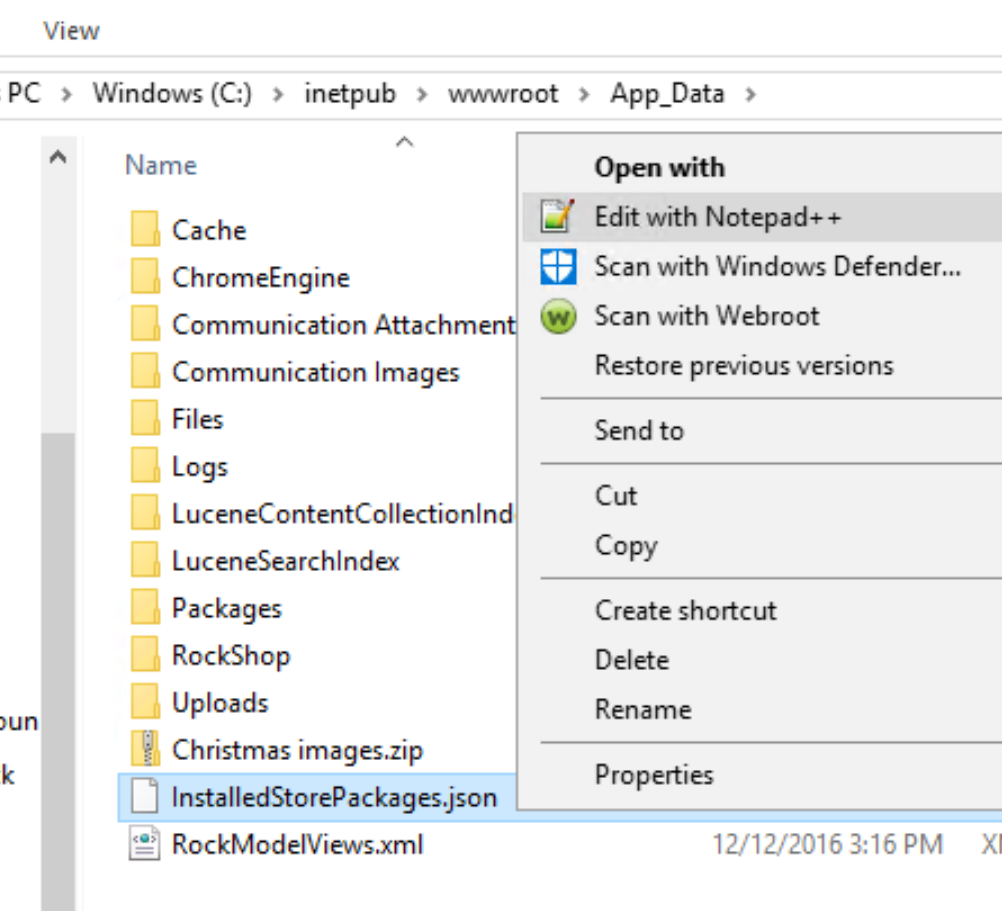
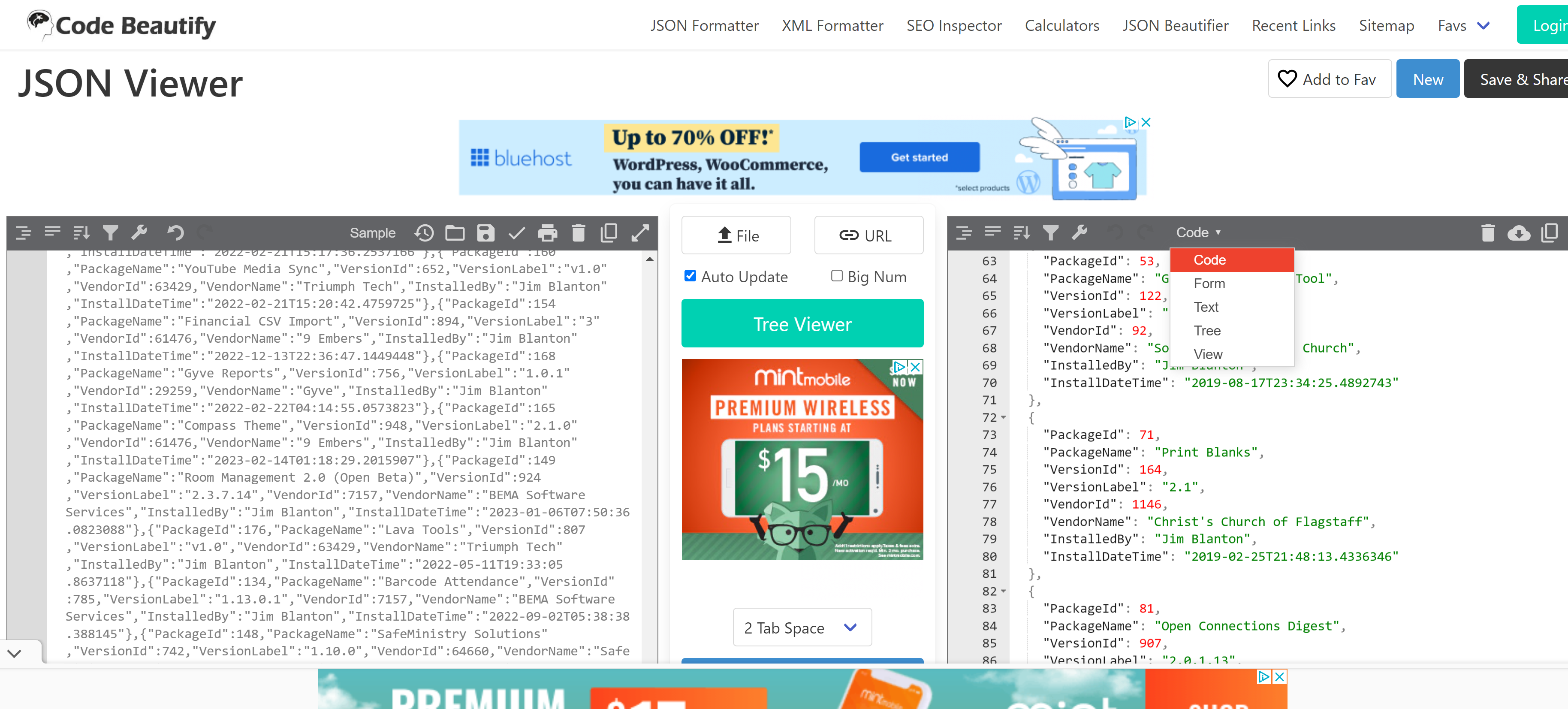
11.) Copy the contents, and open a browser to https://codebeautify.org/jsonviewer. Paste the contents into the left hand window and set the view option on the right hand window to 'Code'
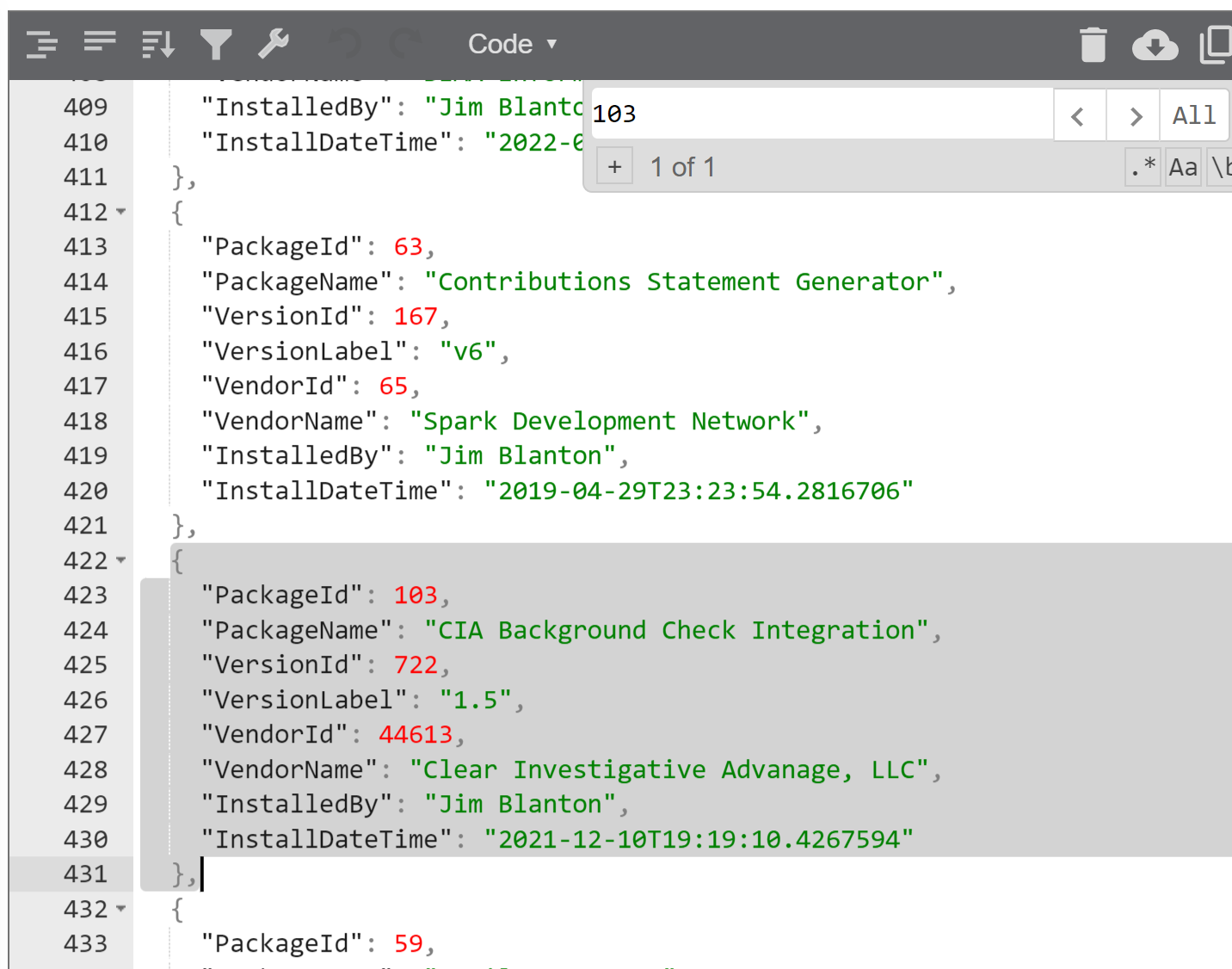
12.) Find the entry for the plugin to be removed and remove it from the json code. ( you can do ctrl + f, then enter the number from the plugin folder.) Highlight and delete.
13.) Use this button to contract Json. Copy the results, and paste back into 'InstalledStorePackages' in the App_Data folder. Save. 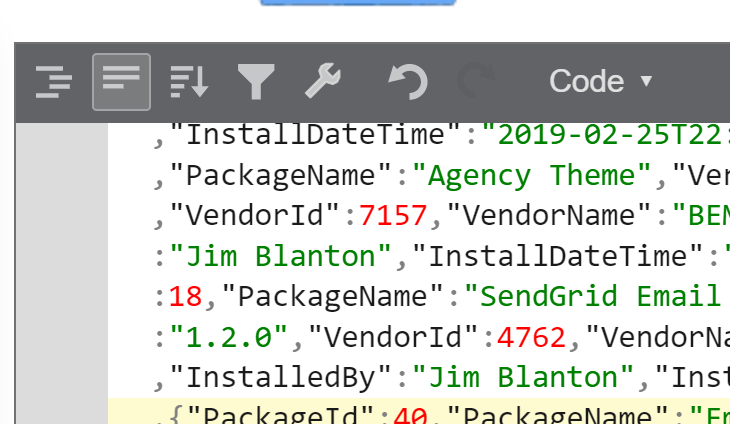
14.) Now, you need to remove anything else that came with the plugin. Sometimes they also install jobs or other things. 'Use your intuition' - David
IN THE DATABASE:
1.) Remove any tables that the plugin installed in the database.
2.) Remove any records that refer to this plugin in the PluginMigration table. I used the following query:
--SELECT *
DELETE
FROM PluginMigration
WHERE PluginAssemblyName LIKE '%CIAResearch%'
