Originally posted by Unknown
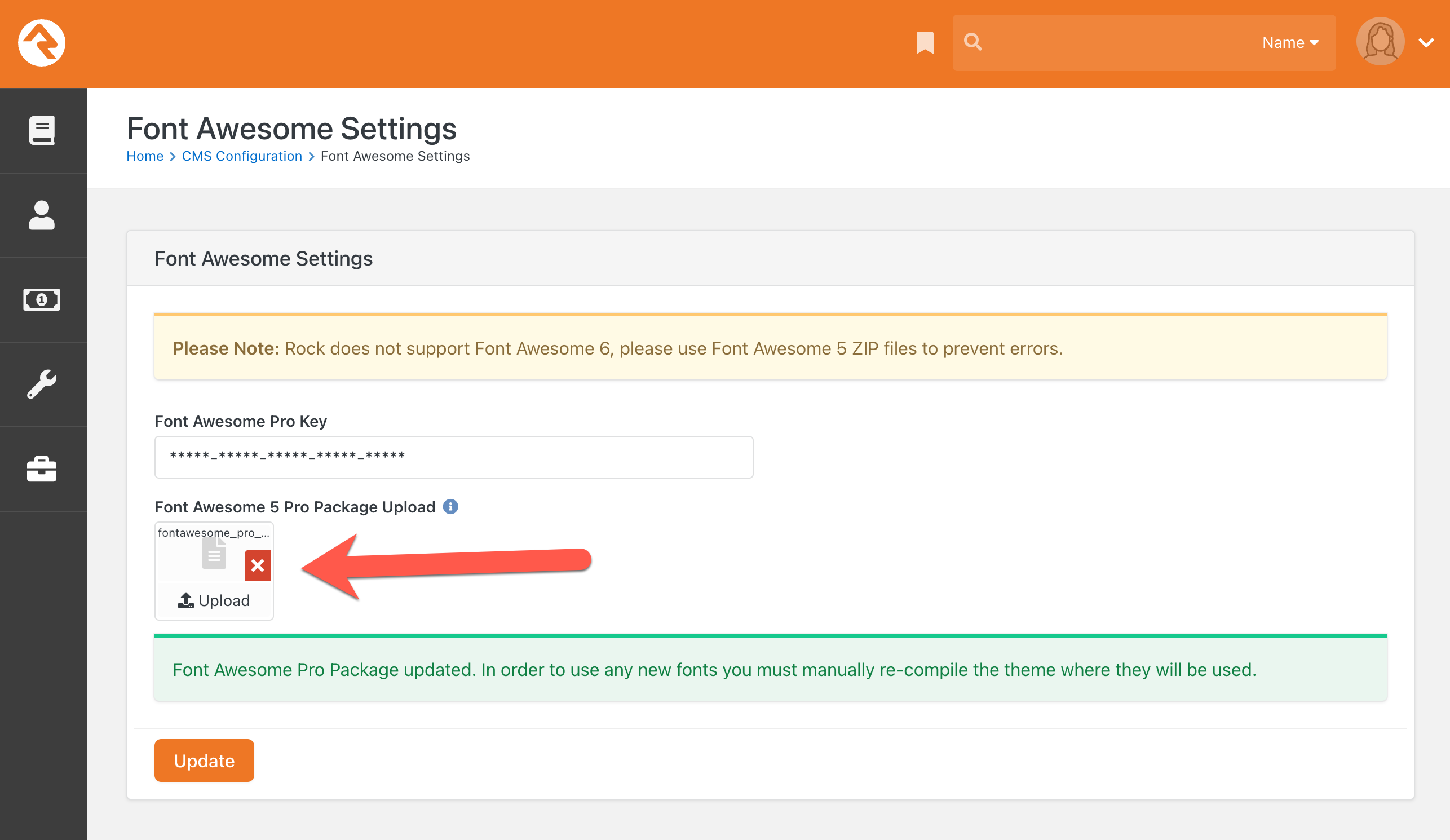
Some churches install the v6 pro version of fontawesome which then prevents them from being able to compile most themes (Admin Tools > CMS Configuration > Font Awesome Settings).
"Rock does not support Font Awesome 6, please use Font Awesome 5 ZIP files to prevent errors."
To fix, we will need to replace their fontawesome fonts and css folders with core's v5 version in order to get the theme to compile.
Here is a link to a copy of core's v5 PRO version: https://9embers.com/Content/FontAwesome/fontawesome-pro-5.15.4-web.zip
Simply download that zip file, then upload it to where it says "Font Awesome 5 Pro Package Upload". This should resolve it...
If not, then a developer may need to help reset the folders to core v5, and then re-install the pro file using Rock's block. If you keep getting timeout when trying to upload the pro file, then remote to the server, copy the pro file to that server, and then open a browser on the server to do the upload (so it's all local).
