Originally posted by Unknown
NOTE: Be careful when editing entities in Rock marked as "IsSystem", sometimes this can cause issues. Typically, changing the verbiage or text in a system communication or email template is safe though.
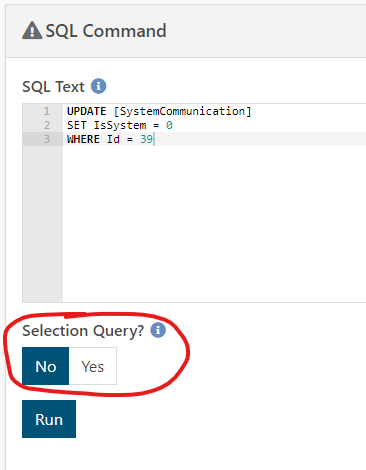
To edit a system communication that's flagged as "System" (uneditable) you can temporarily make it editable by going to Admin Toolbox > Power Tools > SQL Command and typing
UPDATE [SystemCommunication]
SET IsSystem = 0
WHERE Id = 39
changing Id = 39 to the Id of the system communication. Make sure to change "Selection Query?" to "No":
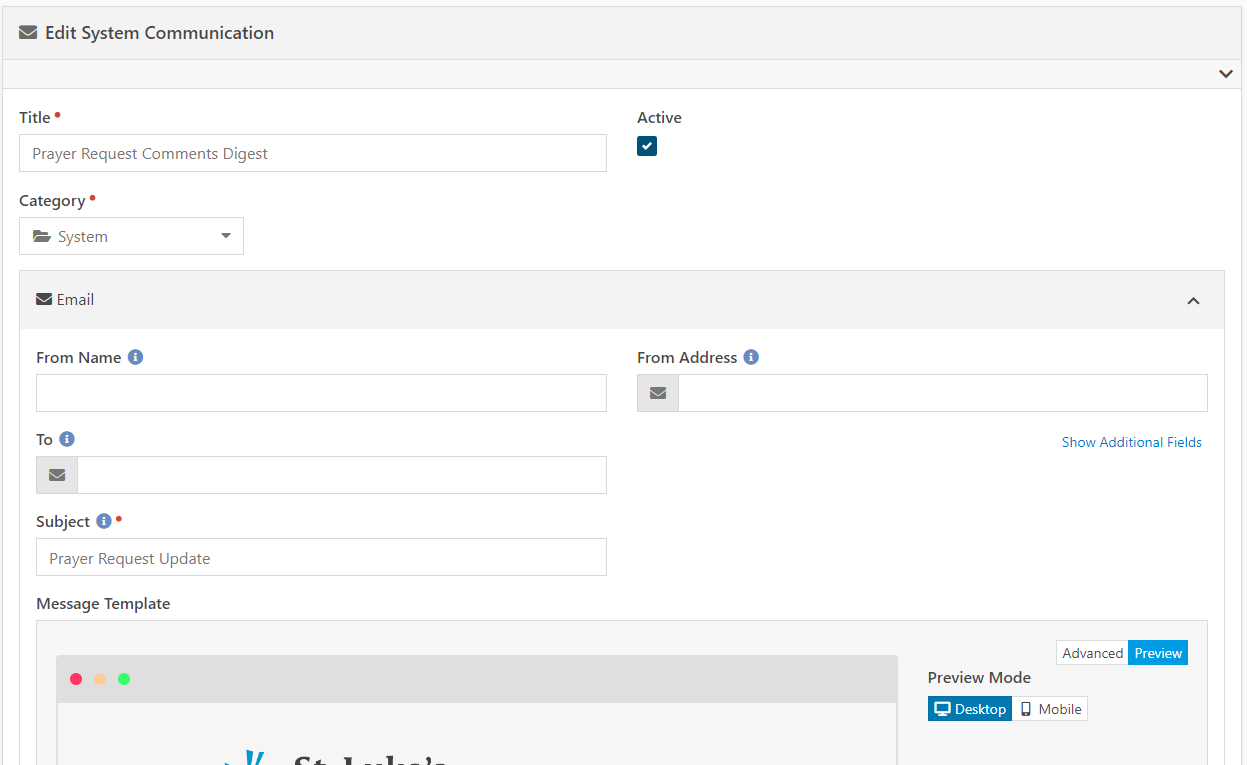
This will allow you to edit the communication:
When you're done, go back to the SQL Command window and type:
UPDATE [SystemCommunication]
SET IsSystem = 1
WHERE Id = 39
changing Id = 39 to the Id of the system communication.
