Step 1.) Don't do it. Everyone knows that iCal is evil. Run away and don't look back.
Step 2.) Ok, but I warned you: This step builds out the events of the ics Calendar file. Set any dates to define the first and last occurrence of the reservations to be included. Start with an entity command to grab all the reservations (filtering based on the dates), and loop through the reservation items to grab their schedules. Schedules have a property called 'iCalContent', but it is not in the correct format for a multi-event calendar.
2a.) Use lava to identify and remove the first 93 characters, as well as the last 70 to create the 'd' variable.
2b.) Slice out the next 87 characters as variable 'e'. Apply NewlineToBr, and Trim break lines from the start, then print it. (see the example) This is the declaration of the 'event' along with it's start and end dates.
2c.) Remove 'e' from 'd' to create 'f' and print it, if it exists. (These are the exclusion dates and the repeat rule - ex. Mondays ).
2d.) Capture and print any additional info about the calendar event here. Add a default Sequence as 0. Summary will be displayed on the Calendar next to the time of the event.
{% assign today = 'Now' | Date:'yyyy-MM-dd' %}
{% assign past = today | DateAdd:-3,'d' %
{% assign future = today | DateAdd:3,'d' %}

{% assign r = '' %}
{% assign public = '' %}
{% assign name = '' %}
{% assign pRoom = '' %}
{% reservation where:'LastOccurrenceEndDateTime >= "{{ past }}" && FirstOccurrenceStartDateTime <= "{{ future }}"' %}
    {% for r in reservationItems %}
        {% assign start = r.Schedule.EffectiveStartDate | Date:'yyyy-MM-dd' %}
        {% assign end = r.Schedule.EffectiveEndDate | Date:'yyyy-MM-dd' %}

        {% if start <= today and end >= today %}
            {% assign public = r | Attribute:'IsPublic' %}
            {% assign name = r | Attribute:'EventNametoDisplay' %}
            {% assign pRoom = r | Attribute:'PrimaryRoom' %}

            {% assign schedule = r.Schedule %}
            {% assign a = schedule.iCalendarContent %}
            {% assign b = a | Slice:0,93 %}
            {% assign c = a | Right:81 %}
            {% assign d = a | Remove:b | Remove:c %}
            {% assign e =  d| Slice:0,87 %}

            {{ e | NewlineToBr | TrimStart:'<br>' | TrimStart:'</ br>' | TrimStart:'<br />' }}

            {% assign f = d | Remove:e %}
            {% if f != null and f != '' %}
                {{ f  }}
            {% endif %}

            {% capture feed3 %}
            SEQUENCE:0
            SUMMARY:{{ r.Name }}
            END:VEVENT<br>{% endcapture %}
            {{ feed3 | NewlineToBr }}

        {% endif %}

    {% endfor %}
{% endreservation %}
You should run this lava and see a result like this:
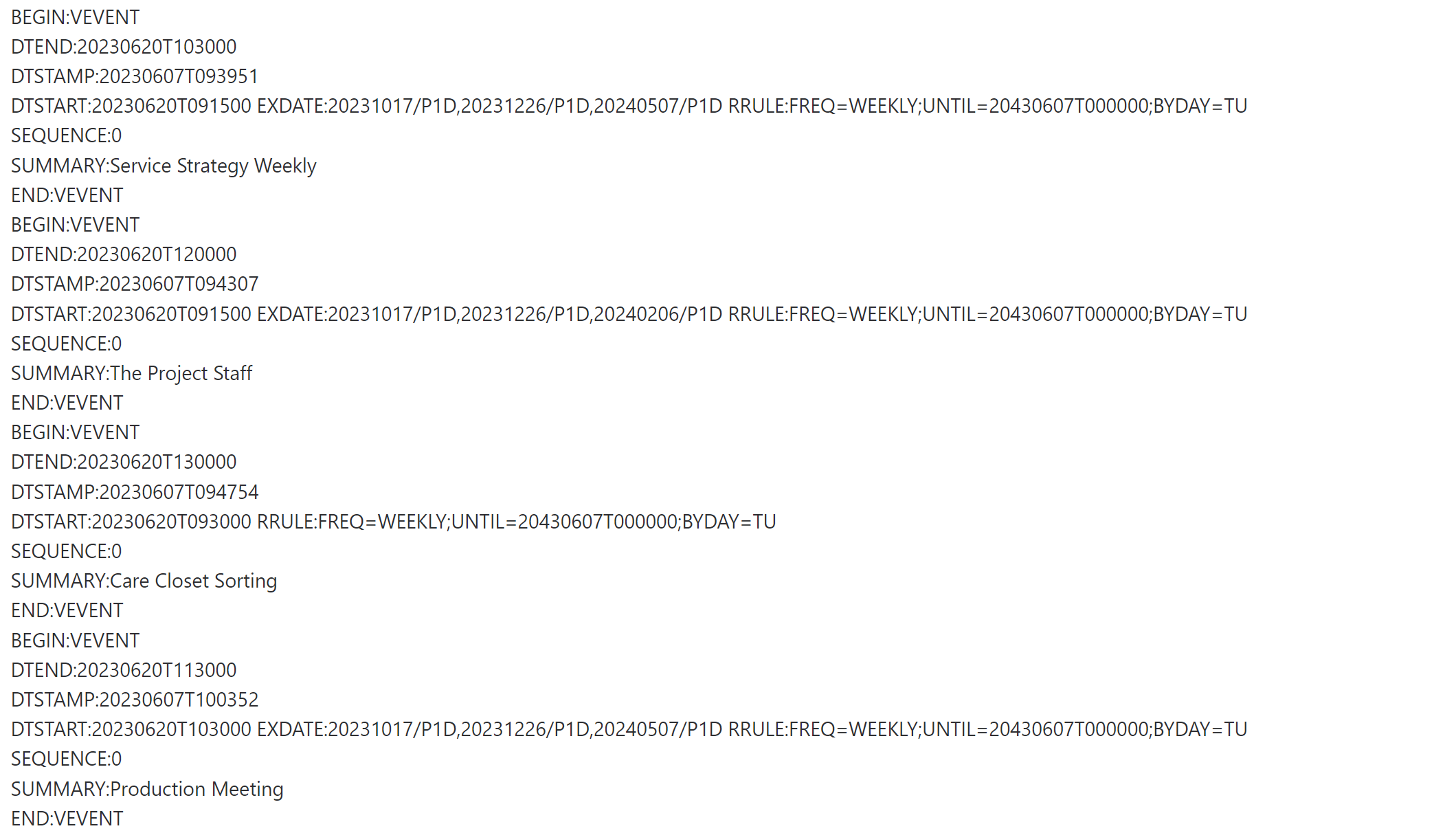
Step 3.) Now it's time to add the Calendar declarations. Add this code before the existing lava:
{% capture feed1 %}
BEGIN:VCALENDAR
PRODID:-//github.com/rianjs/ical.net//NONSGML ical.net 4.0//EN
VERSION:2.0
{% endcapture %}
{{ feed1 | NewlineToBr | Remove:'<br>' | Remove:'</ br>' }}
Add this code after the existing lava:
{% capture feed4 %}
END:VCALENDAR
{% endcapture %}
{{ feed4 | NewlineToBr | Remove:'<br>' | Remove:'</ br>' | Remove:'<br />' }}
You should now have the events enclosed in a Calendar:
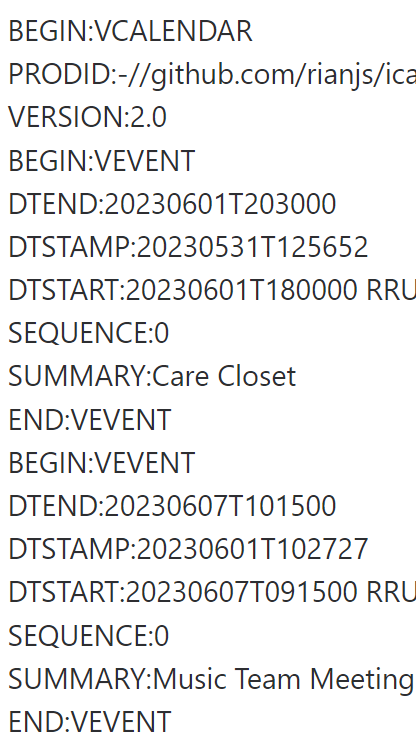
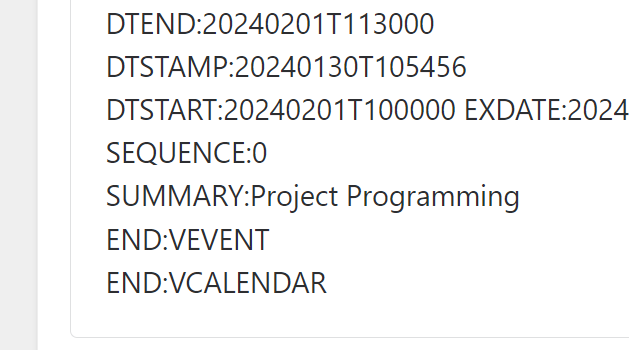
Step 4.) Now you can copy the text into Notepad++ and save it as an .ics file. Validate it in Outlook.
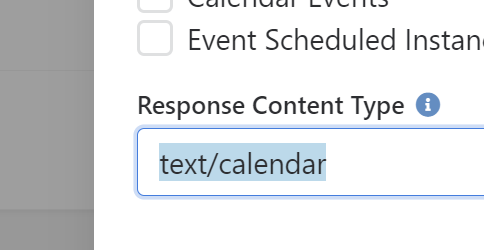
Step 5.) Create a new webhook and paste the text in the lava field. Delete all the new lines and spaces and remove the newline filters from the captured variables. Type 'text/plain' into the Response Content Type:
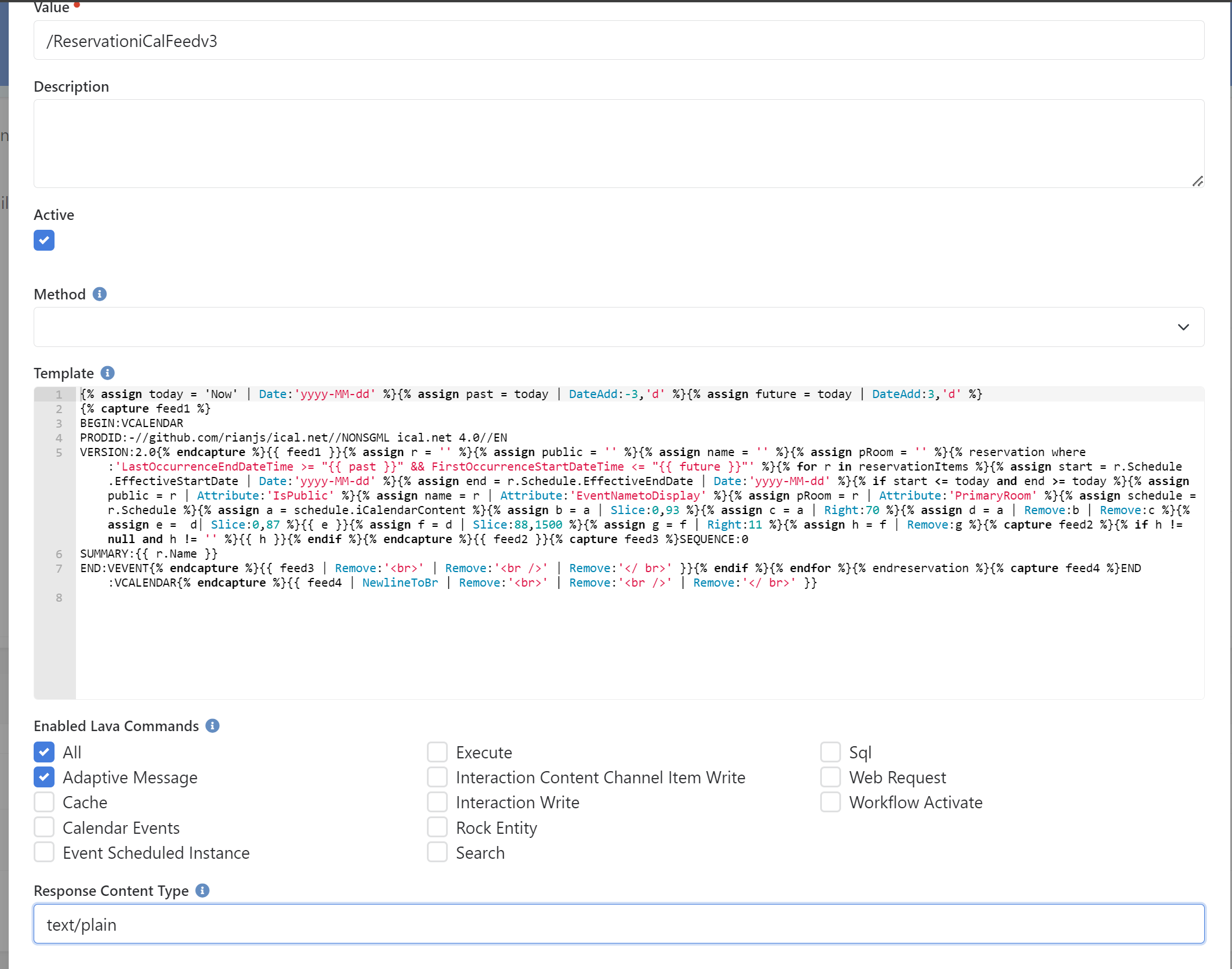
Step 6.) Create a URL with your clients domain and add parameters to test the Webhook. Mine was: https://rock.hopecity.ca/Webhooks/Lava.ashx/ReservationiCalFeedV3. If you click your link, you should see something like the following: 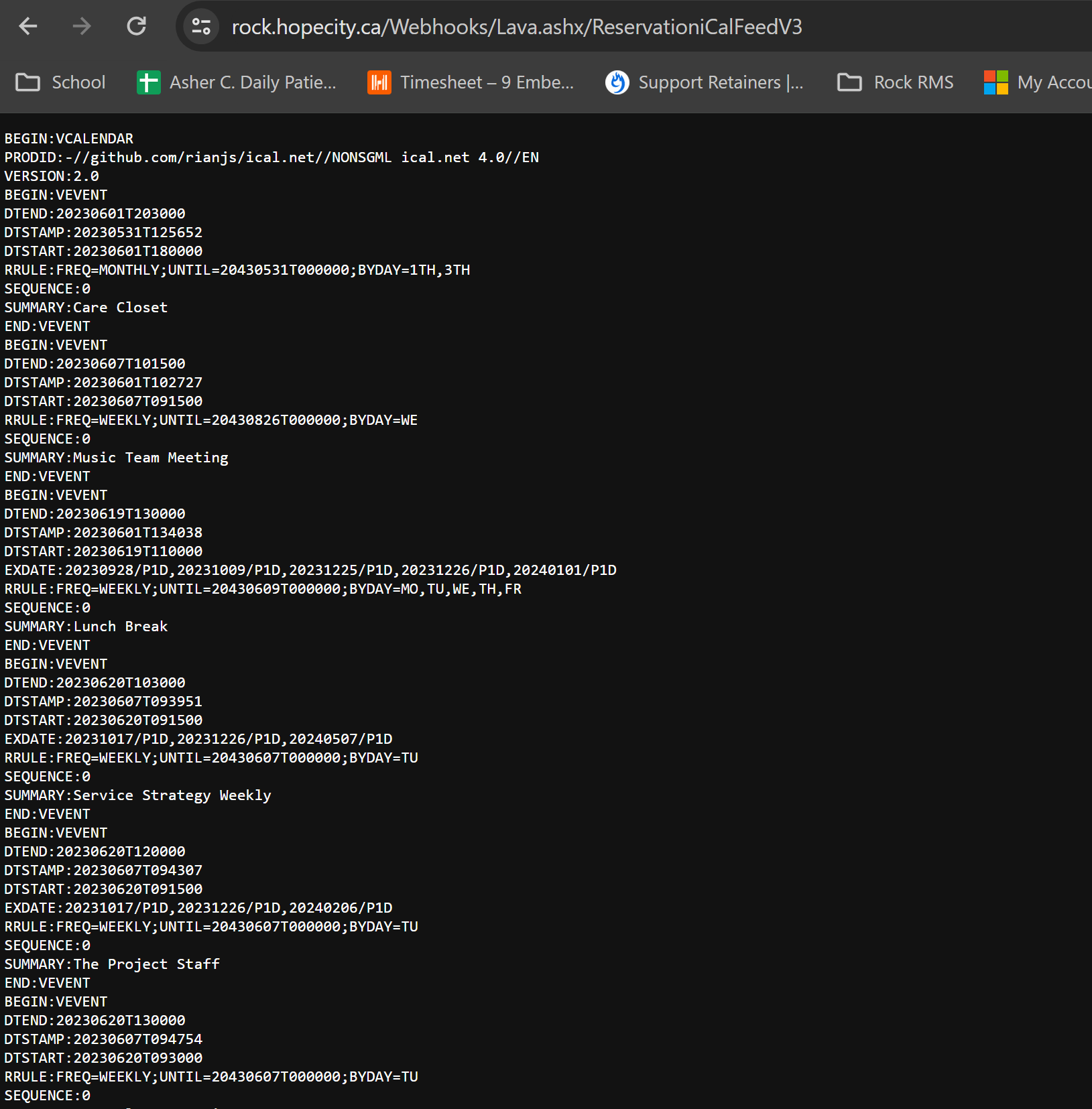
Step 7.) Go back and change the webhook's Response Content Type to 'text/calendar'. This tells Rock to give you an ics file. It'll automatically download when you click the link now. You can open it in outlook to test.