I would try wrapping in {% raw %}{% endraw %} tags. (wrong)
------------------------------------------------------------------------------------
I should have read the question better: Mark was closer than I was. The Communication List block does not give us a communication object, but it does give us the Id of the communication (as Row.Id )
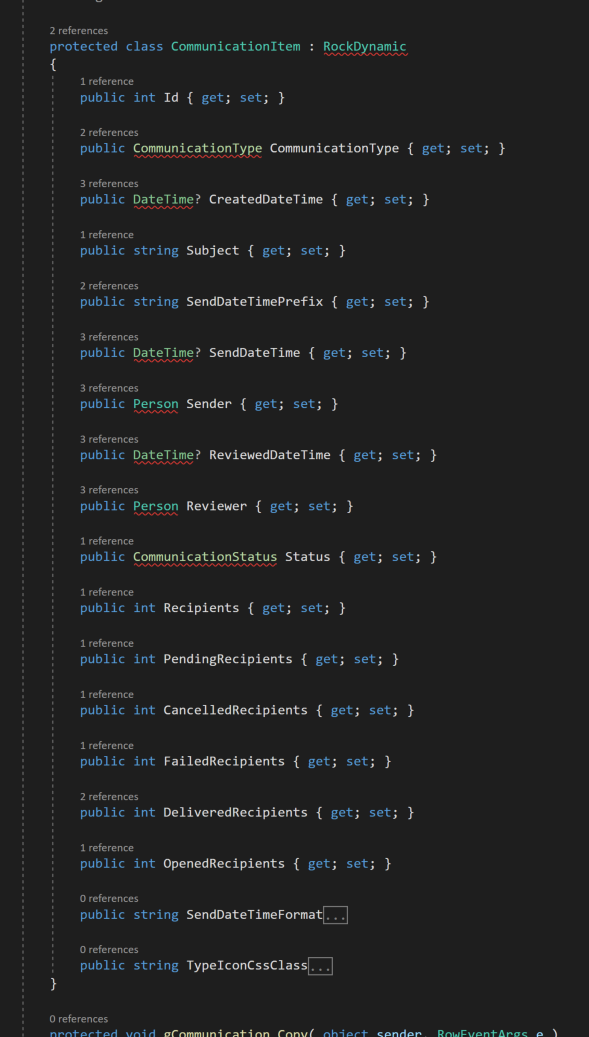
Using that Id we can write an entity command that grabs what we want like this:
{% communication id:'{{ Row.Id }}' %}
    {{ communication.FromEmail }}
{% endcommunication %}

---------------------------------------------------------------------

{% to get the sms information as well: %}
{% assign info = '' %}
{% communication id:'{{ Row.Id }}' %}
    {% assign email = communication.FromEmail %}
    {% if email != empty %}
        {% assign info = info | Append:email %}
    {% endif %}

    {% assign num = communication.SMSFromDefinedValue.Description %}
    {% if num != empty %}
        {% assign info = info | Append:num %}
    {% endif %}
{% endcommunication %}

{{ info }}
