This problem was solved by Steven Shulte:
The culprit was someone added a permanent redirect to "page/983" (which is the 404 error page) to redirect to "https://www.sunvalleycc.com/in-this-place". You can see where this was in the attached screenshot.
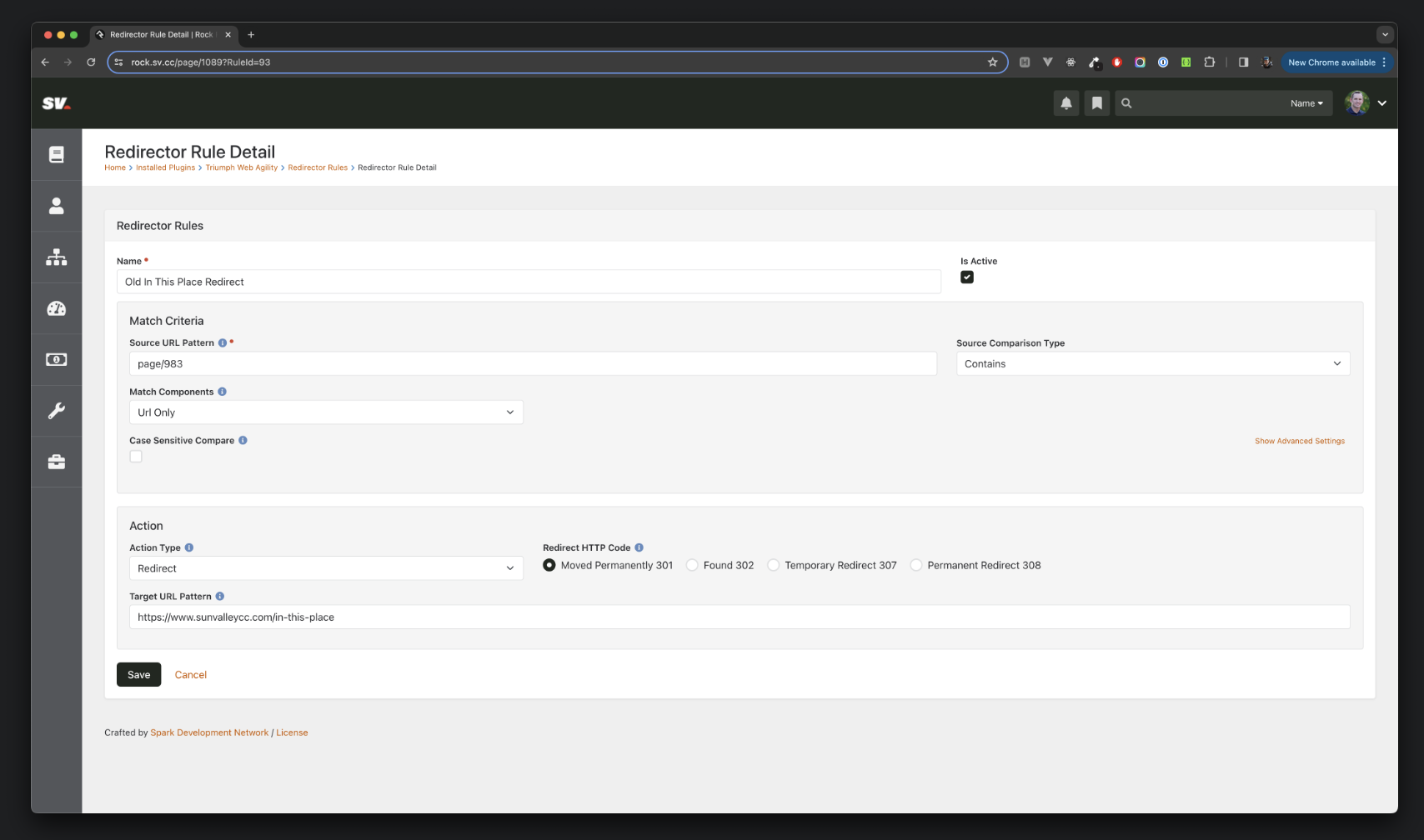
I have deleted this redirect, which helps, but unfortunately since it was a "301 Permanent" redirect, Chrome caches it as well. This means that even if the server stops sending the 301 redirect, Chrome will continue redirecting to the new url ("/in-this-place"). In another screenshot attached, you can see where Triumph has documented this in their Web Agility plugin.
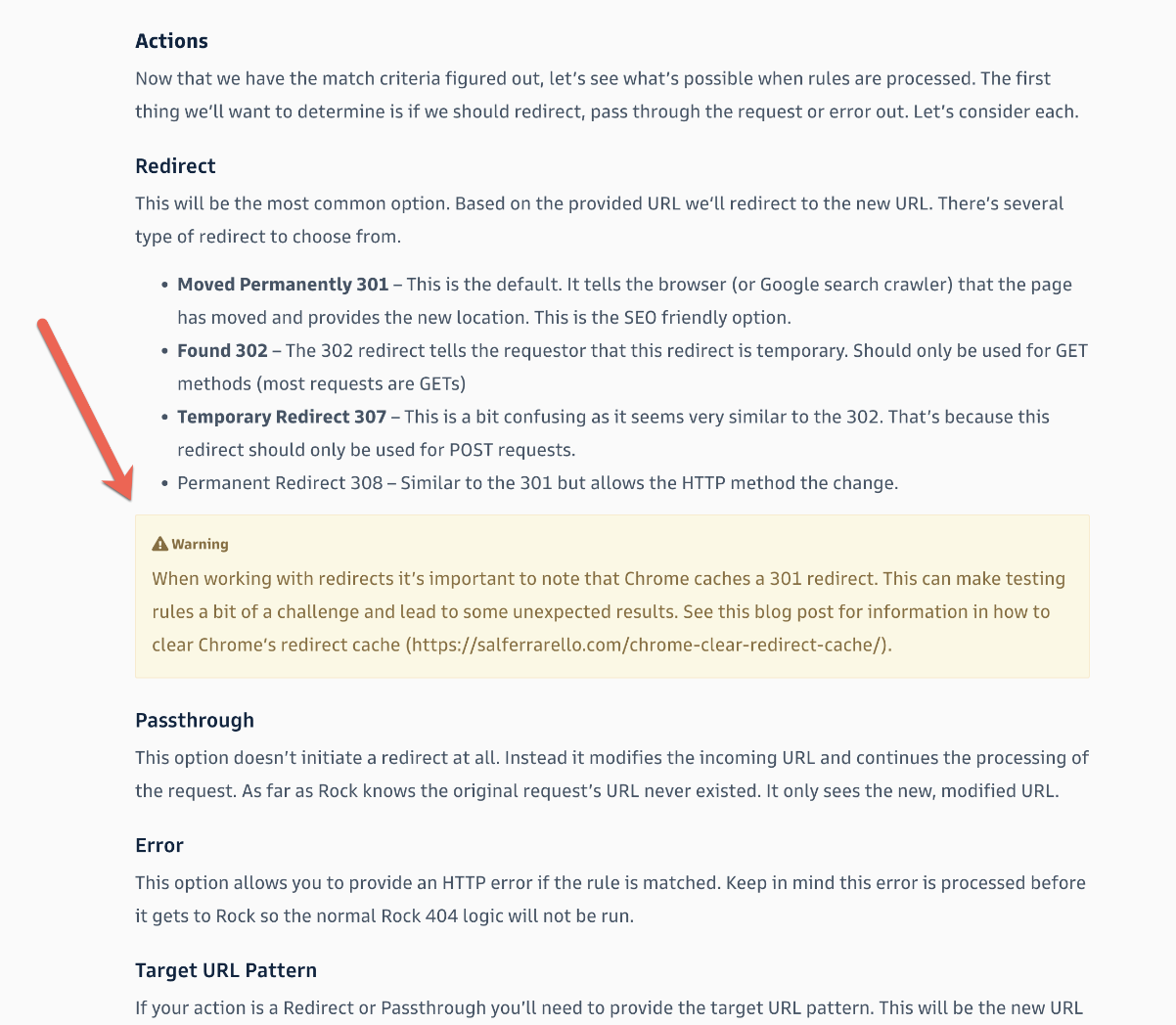
Unfortunately (based on my knowledge), you cannot override the user's cache settings in Chrome... The users can avoid this by using Incognito Mode or if they clear cache themselves.
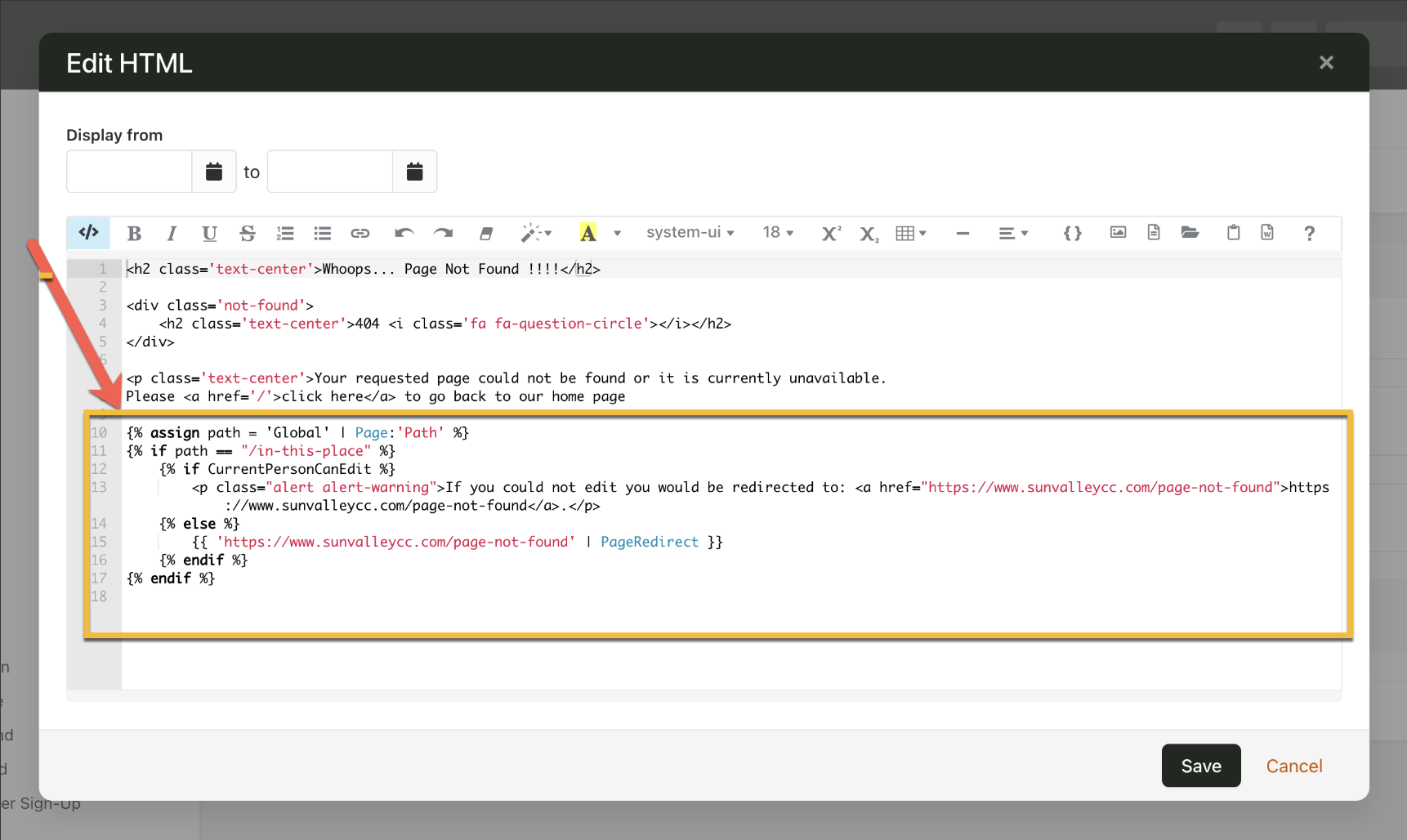
As a workaround to help avoid the cache redirects from Chrome though, I added some lava on the 404 page that will direct the user if the path is still using "/in-this-place" to "/page-not-found". This way users will never see "/in-this-place" whether cached in Chrome or not.