***Usually happens after a dev refresh (St. Lukes UMC, I'm looking at you).
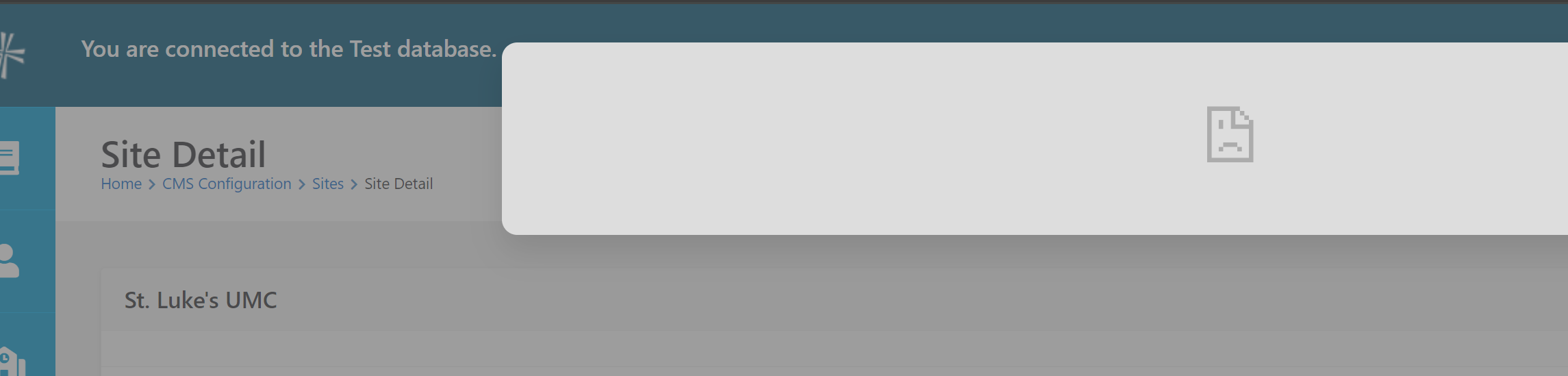
Why can't I edit the page? Clicking the gear icon just reveals a sad frowny face:
Solution: We need to update the Allowed Frame Domains for the site to allow the editing panels to show content.
Step 1: Go to Sites
Step 2: Edit Site
Step 3: Advanced Settings > Add the domains to the 'Allowed Frame Domains' section.