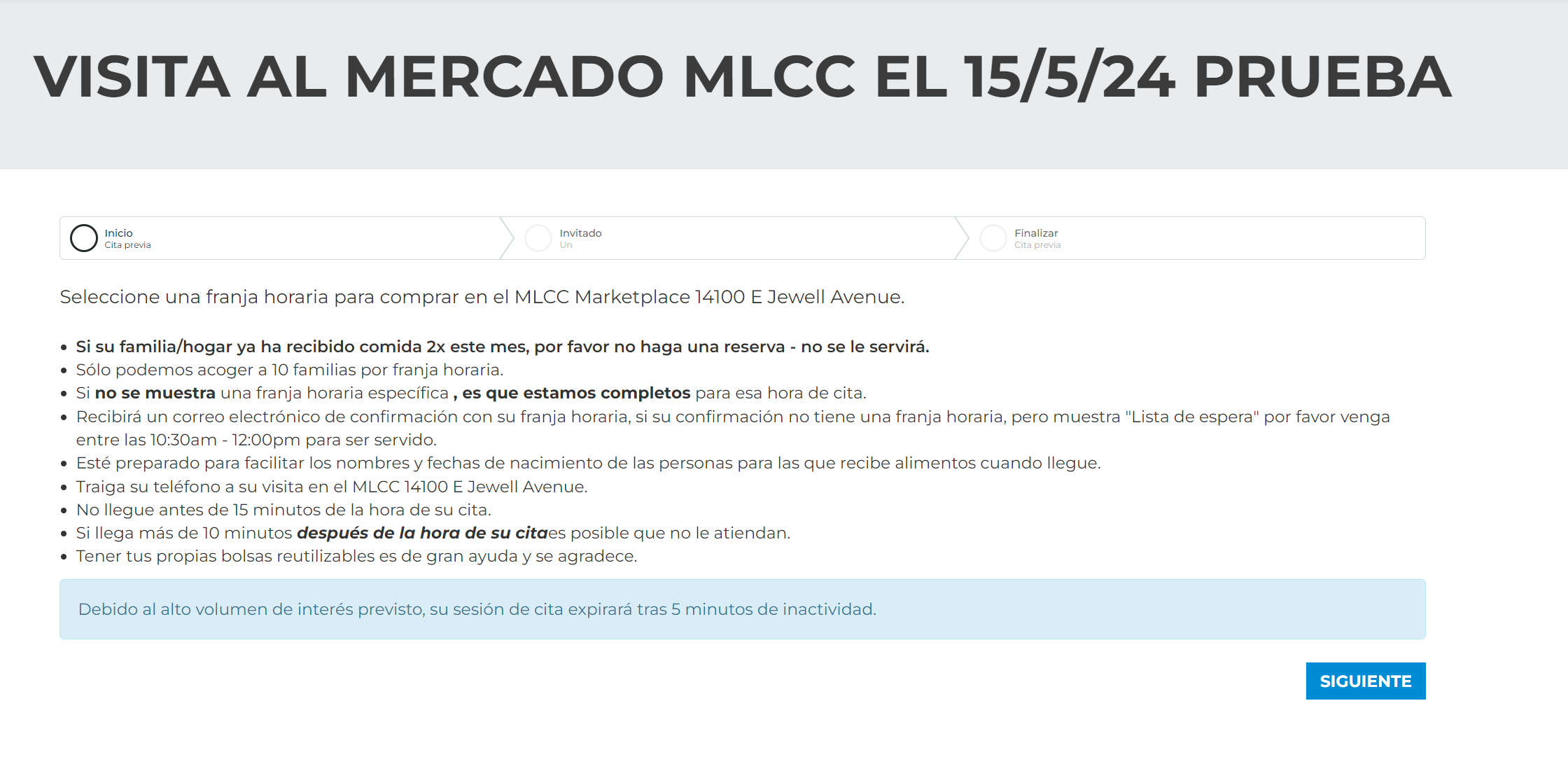
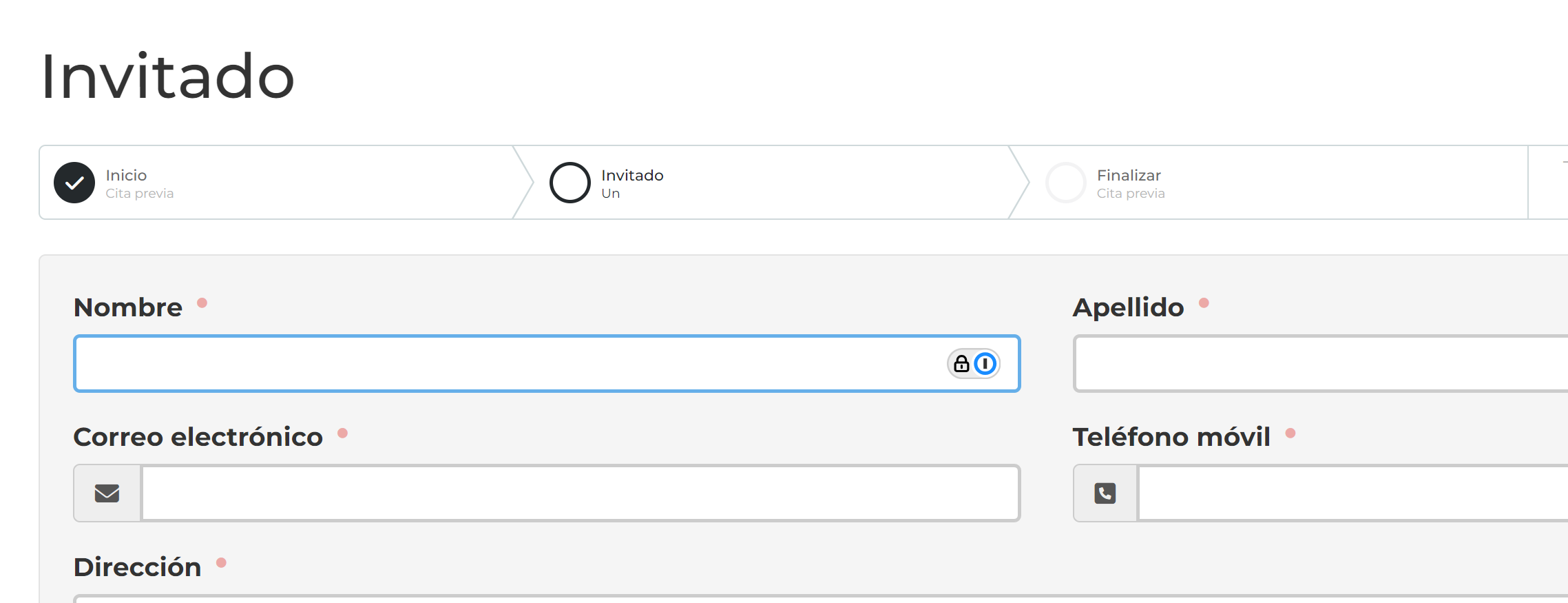
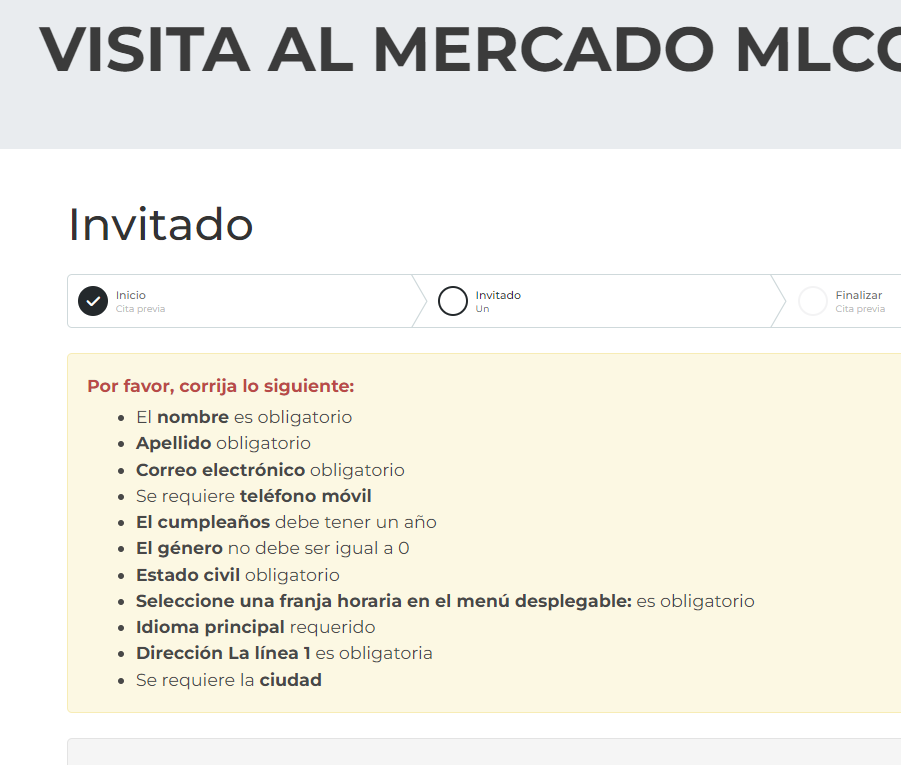
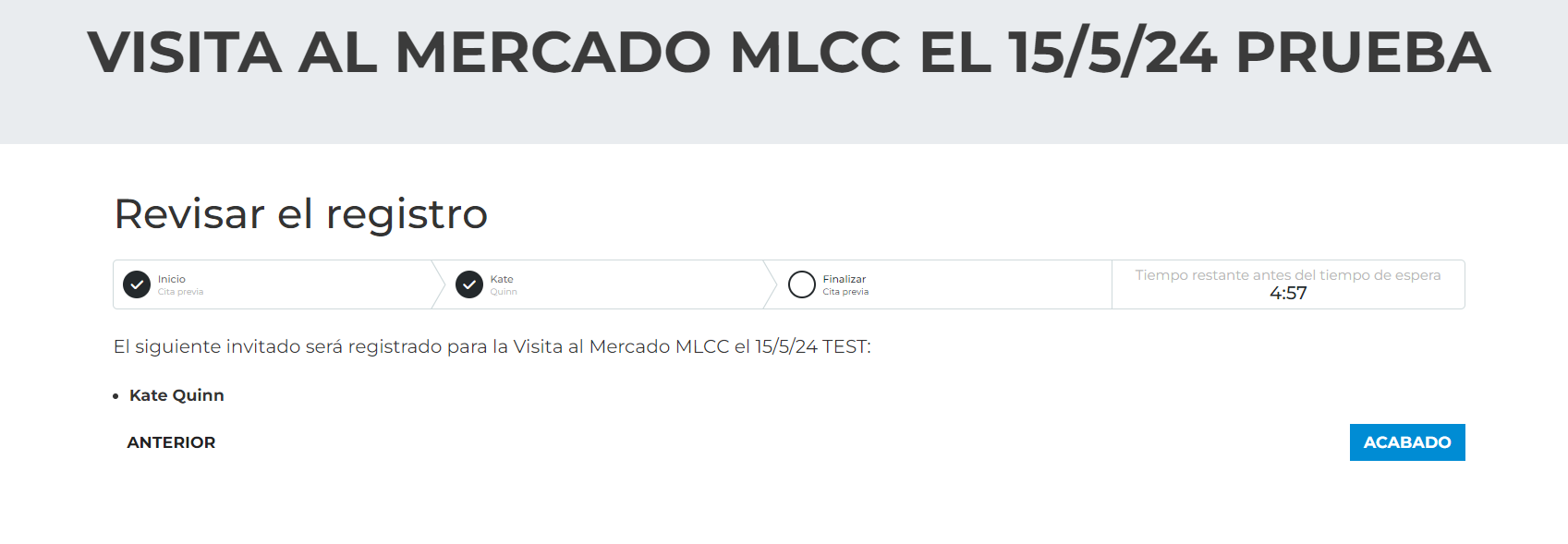
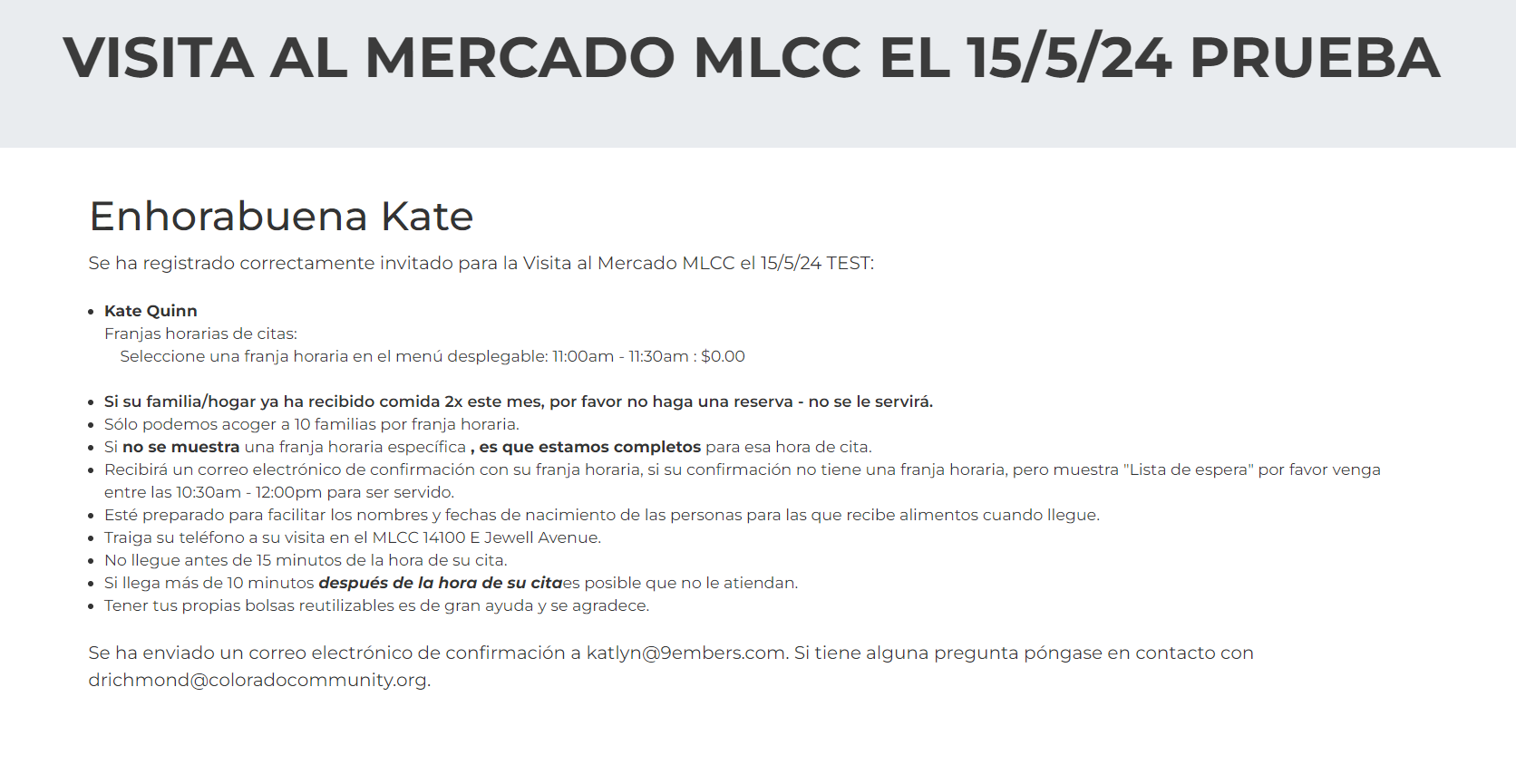
*This is tested on the Obsidian Registration Entry block on v16.6.
1.) First, make sure that the page with the Registration Entry block has the language switcher added to the page header.
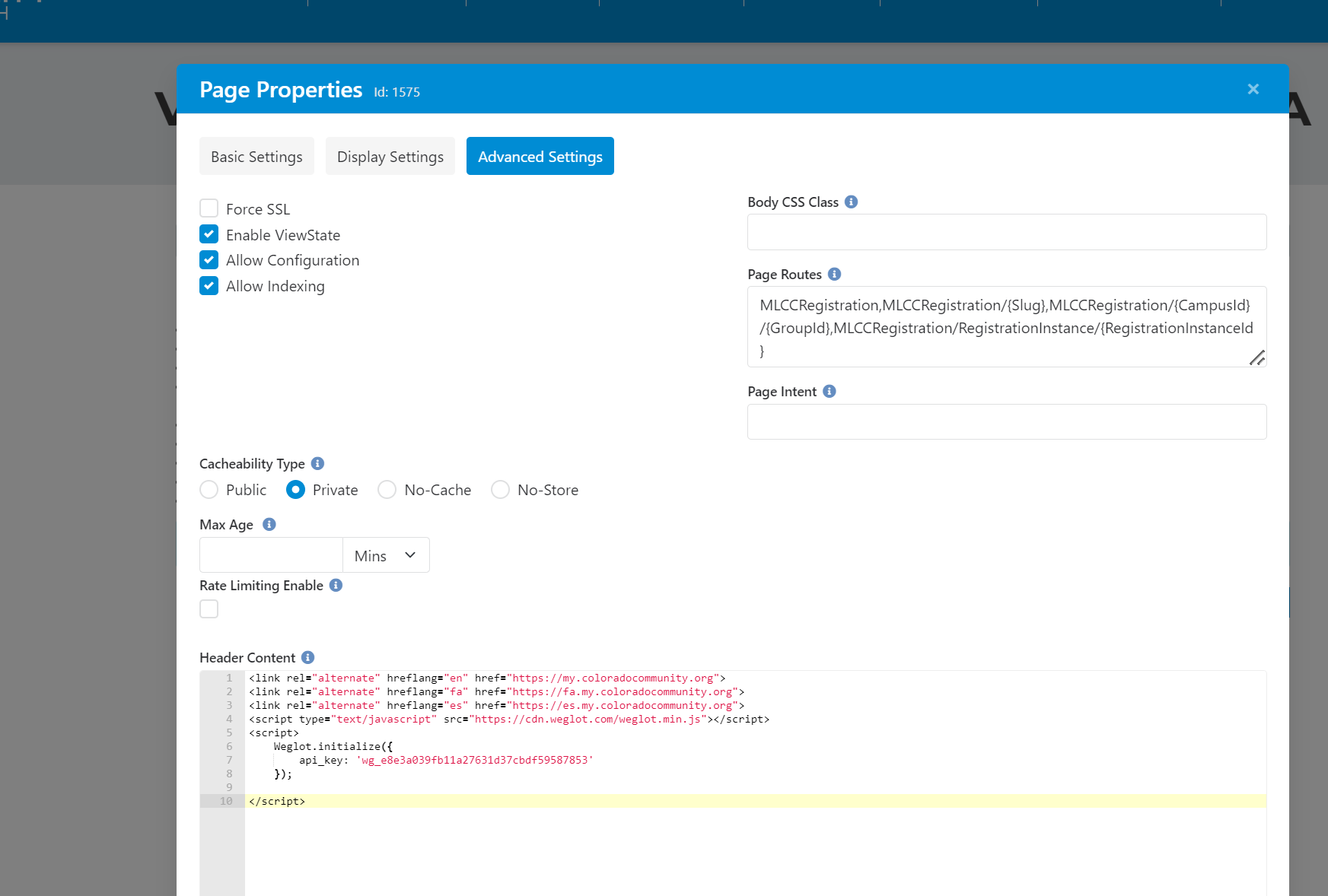
2.) Now set up the .wg-translate class on the client's Weglot account. Use this walkthrough: https://support.weglot.com/article/253-how-to-translate-dynamic-content
3.) Now, get the Id of the obsidian content container to use in the next step:
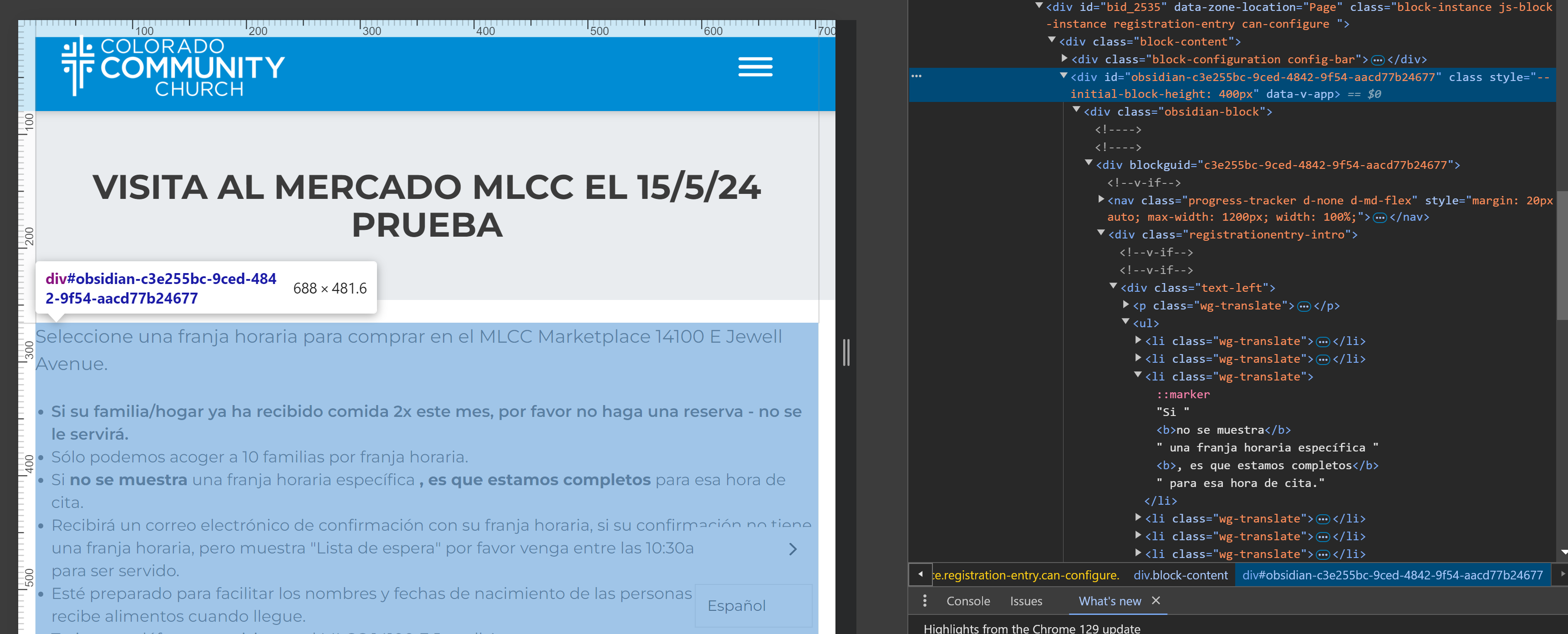
4.) Add this code to the Registration Entry block post html. Switch out the "obsidian-c3e255bc-9ced-4842-9f54-aacd77b24677" on line 3-4 with your block id from step 3:
<script>

    $(window).on('load', function() {
        const zone = document.getElementById("obsidian-c3e255bc-9ced-4842-9f54-aacd77b24677");
        const children = zone.querySelectorAll("h3, h2, h1, span, p, strong, li, button");
        console.log(zone);
        console.log(children);
        console.log("test");
        // Example usage:
        children.forEach(element => {
          console.log(element.textContent);
          element.classList.add("wg-translate")
       });
    });


</script>
5.) Save the block and test the switcher. You may have to ask Weglot to add pages to the site, the scan did not pick up the registration pages for CCC on its own. I had to give them the correct page routes and the specific slugs that we wanted to use, but now it works for all registrations on that page.